April 27, 2026
8 min
Open-sourced my portfolio CMS. Host it yourself, fork it, send PRs — whatever you want to do with it.
A Portfolio CMS for developers you can self-host and bend to whatever you want. Next.js 16, Supabase, TypeScript. Inside: why I built it, how to get yours running in fifteen minutes, and what I'd love help with.https://github.com/DDharma/portfolio-cms
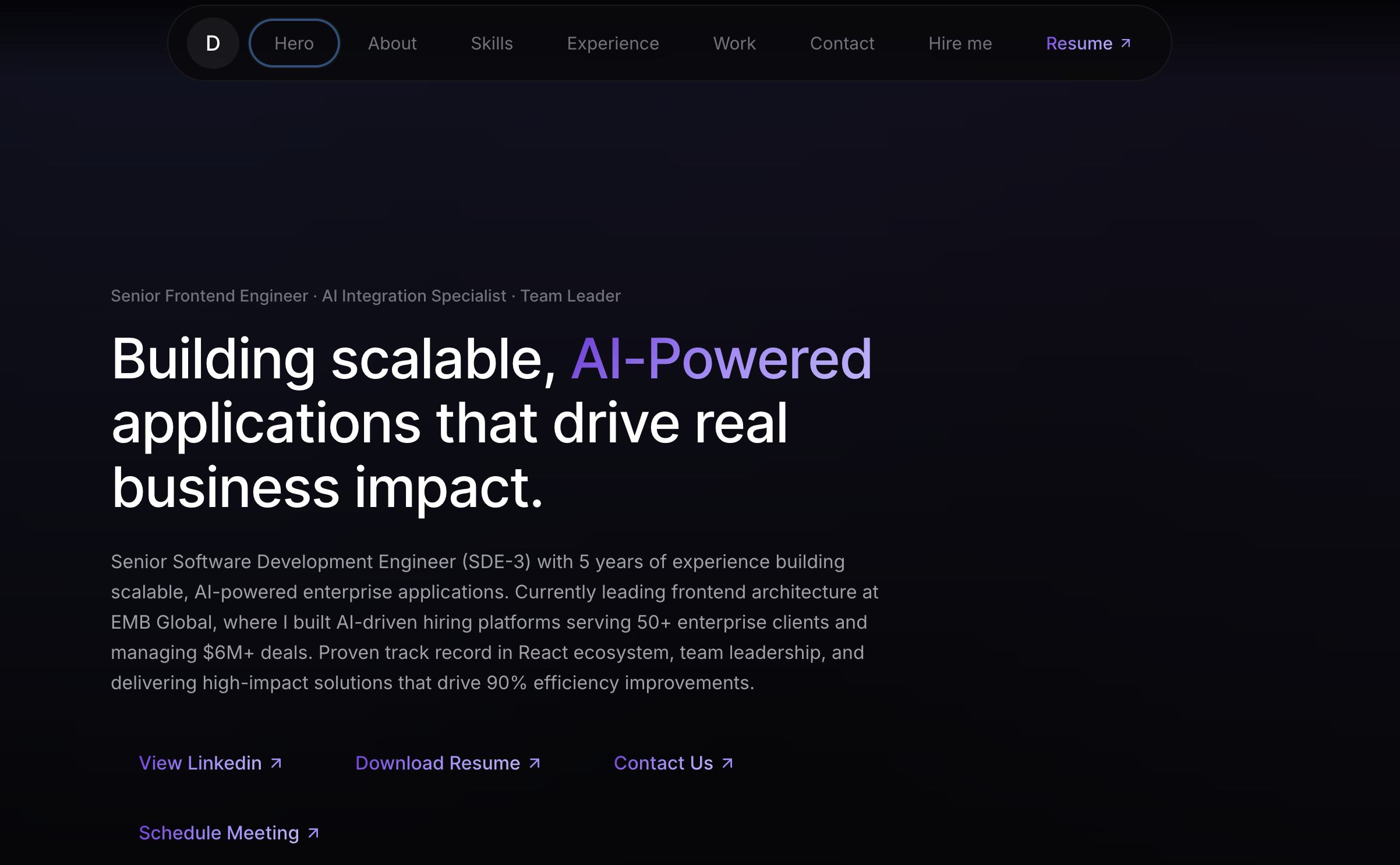
For years, every portfolio update was the same dance: edit a JSON file, push to git, wait for a deploy, pray nothing broke. Or worse, wrestle with WordPress or some half-fitting Notion template.
So I built my own. Then I open-sourced it.
Portfolio CMS is a self-hosted CMS made specifically for developer portfolios. You deploy it once, then everything's editable from an admin dashboard at /admin: hero, projects, blog posts, experience timeline, skills, custom CSS, your resume PDF. No code changes after setup. No vendor lock-in. Your content lives in your own Supabase project. The code lives in your own GitHub repo.
MIT licensed. Fork it, deploy it, sell it, modify it. I'd love it if you starred the repo and sent a PR back when you find something worth fixing.
Why another portfolio template?
Most portfolio templates fall into two camps.
Static-site templates (Astro, Next.js starters, GitHub Pages themes). Beautiful, fast, free. But every content change is a code change. Adding a project means editing a TypeScript array and pushing to main. Updating your bio? Same. Eventually, the friction wins, and you stop updating.
Hosted CMS platforms (WordPress, Webflow, Notion-as-a-CMS, Hashnode). Easy to update, but you don't own the data, you don't own the code, and you're stuck with whatever design knobs the platform decides to expose.
I wanted the static-site DX (Next.js, Tailwind, type-safe, fast), the hosted-CMS workflow (point-and-click updates), and ownership of both. Couldn't find that as a free, self-hosted project anywhere.
So that's what this is.
What you actually get
Run the setup once, and you have:
An admin dashboard at /admin that controls every section of the public site: hero, about, skills, experience, projects, blog, research, gallery, and contact settings.
Drafts and publishing. Write half a post on Tuesday, finish it Saturday, and publish when it's ready.
A real rich-text editor (Tiptap) with code highlighting, custom CSS classes you define yourself, and inline styling.
Drag-and-drop image uploads that go straight to your Supabase Storage bucket and serve through their CDN.
A custom JWT auth layer so the admin is locked down without forcing you onto Supabase Auth's UI.
ISR (Incremental Static Regeneration). Published content is cached, and updates appear within an hour automatically.
A feature flag (
NEXT_PUBLIC_ENABLE_ONBOARDING), So hardened production deploys can disable the public /setup route entirely.Zero leaked branding. The upstream repo doesn't ship my name, email, or socials into your live site. Footer pulls from your own CMS data.
Deploy your own in about 15 minutes
Full walkthrough is in the README, but here's the shape of it.
1. Get the code
git clone https://github.com/DDharma/portfolio-cms.git
cd portfolio-cms
npm install
2. Spin up a free Supabase project
supabase.com → New project. Save the database password somewhere safe. Wait two minutes for it to provision.
3. Run one SQL migration
Open the Supabase SQL Editor, paste the entire contents of scripts/production-migration.sql, and click Run. That single file creates 28 tables, indexes, triggers, and all the row-level security policies you need. No second migration. No "now configure RLS" step.
4. Create one storage bucket
Storage → New bucket → name it portfolio-images → toggle Public bucket on.
5. Fill in four environment variables
Copy .env.example to .env.local and paste in your Supabase URL, anon key, service-role key, and a JWT secret you generate yourself (openssl rand -base64 32 works).
6. Create your admin account
npm run devVisit http://localhost:3000/setupFill in your name and password, and you're in. The /setup route auto-locks once one admin exists, so it's safe even if your dev URL leaks.
From there, publish your content through /admin, push to GitHub, and click the Vercel deploy button in the README. Done.
How you can help shape it
This is the part that actually matters to me. Open-sourcing is the easy half. The harder half is people poking at it, breaking it, sending the kind of PR that makes the next person's life easier. The codebase is small enough that one solid afternoon of work can ship a real feature.
A few areas I'd love help with:
Layout variants for project and blog cards (grid vs. masonry, large-feature vs. uniform).
A theme/colour editor in admin so users can restyle without touching CSS.
Drag-and-drop section reordering on the homepage.
A contact form with an inbox instead of just a
mailto:link.Per-page SEO settings (currently only the global
<title>is set.An analytics dashboard pulling from a privacy-respecting provider.
The full roadmap with priorities lives in docs/CMS_IMPROVEMENT_ROADMAP.md. Branch conventions, PR process, and code style are in CONTRIBUTING.md.
Even if code isn't your thing, bug reports, doc fixes, screenshots of your deployed portfolio, or a star on the repo all help.
A small ask
If this saves you a weekend of yak-shaving, drop the repo a star — that's how other devs find it: github.com/DDharma/portfolio-cms.
If you find something broken, open an issue. If you ship something on top of it, I'd love to see it. Tag me on LinkedIn or send the link.
Now stop reading and go own your portfolio.Github Link: https://github.com/DDharma/portfolio-cms